


 Some parts of this page may be machine-translated.
AI Video Generation Service "Vyond Turbo." Create videos with voice and BGM from prompts and documents in as little as 30 minutes.
Leave everything to AI, from scenario creation to video production including voice and BGM.
Video content is effective, but there’s not enough capacity to produce it—many companies wanting to utilize videos face this barrier.
You can leave everything to Turbo, from scenario creation to video production including voice and BGM.
AI creates a video structure plan from prompts and materials.
Voice is automatically generated to match the scenario.
Music is automatically selected to match the scene's atmosphere.
Generates videos suited to the purpose, such as live-action style or anime style.
Corrections are made simply by giving instructions in the chat. No complicated editing operations are required.
Supports video production in 24 languages.
By adding just one sentence specifying the style in the prompt, you can fix the visual direction. From cinematic live-action to manga and felt animation styles — even the same scene can have a vastly different impression depending on the style.
We introduce eight representative styles with comparison images of the same scene. You can copy and use the prompt of your favorite style as is.
You can choose the best form according to the content you want to convey and the situation in which it is used.
Vyond offers three different production styles tailored to your method and purpose.
Authentic animation production by selecting and refining materials. It has abundant templates and character assets, offering the highest degree of creative freedom.
AI generates videos from prompts. Easily create a video in a short time.
From materials and prompts, AI generates everything at once—from scenario to voice and BGM. Confirmation and corrections are done via chat only, making it suitable for continuous video production in teams.
For those who want to quickly, repeatedly, and collaboratively create videos based on existing materials.
The production process consists of 4 steps. Steps ② to ④ can be updated simply by reviewing and instructing corrections.
Enter the prompt for the video you want to create and the source materials (such as manuals or slides).
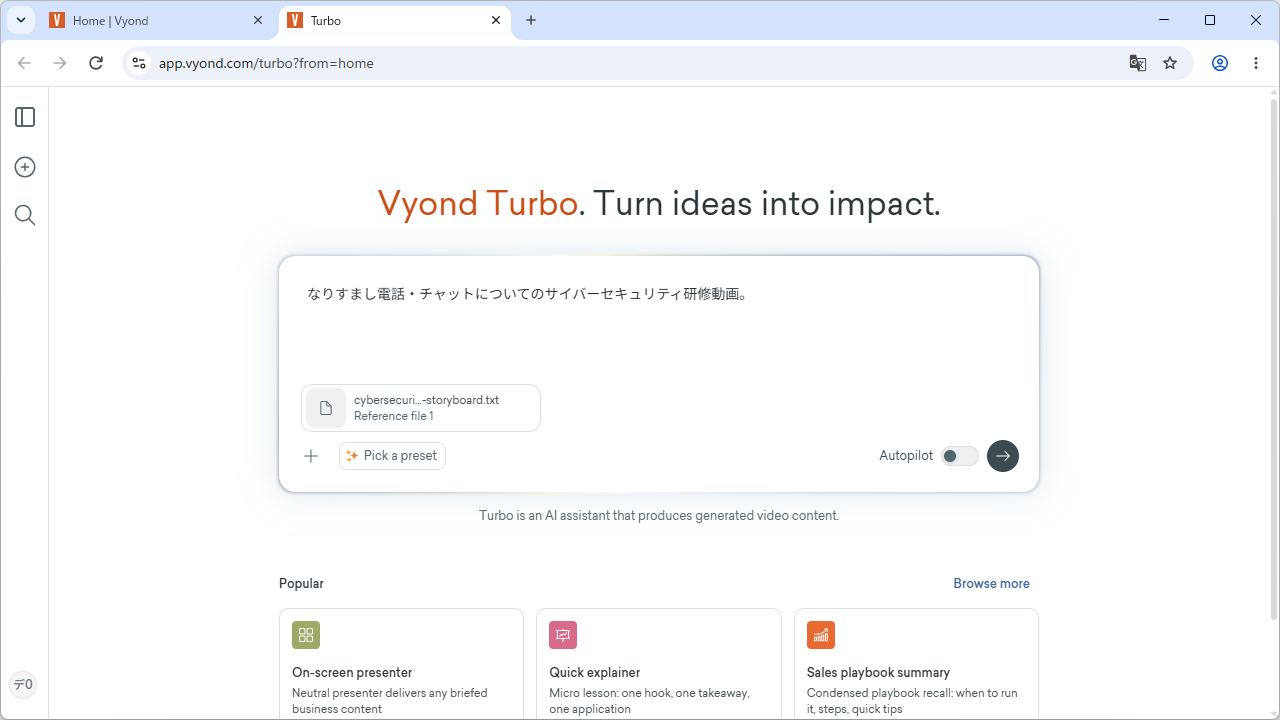
Review the prompt summary compiled by AI. For corrections, just give instructions via chat.
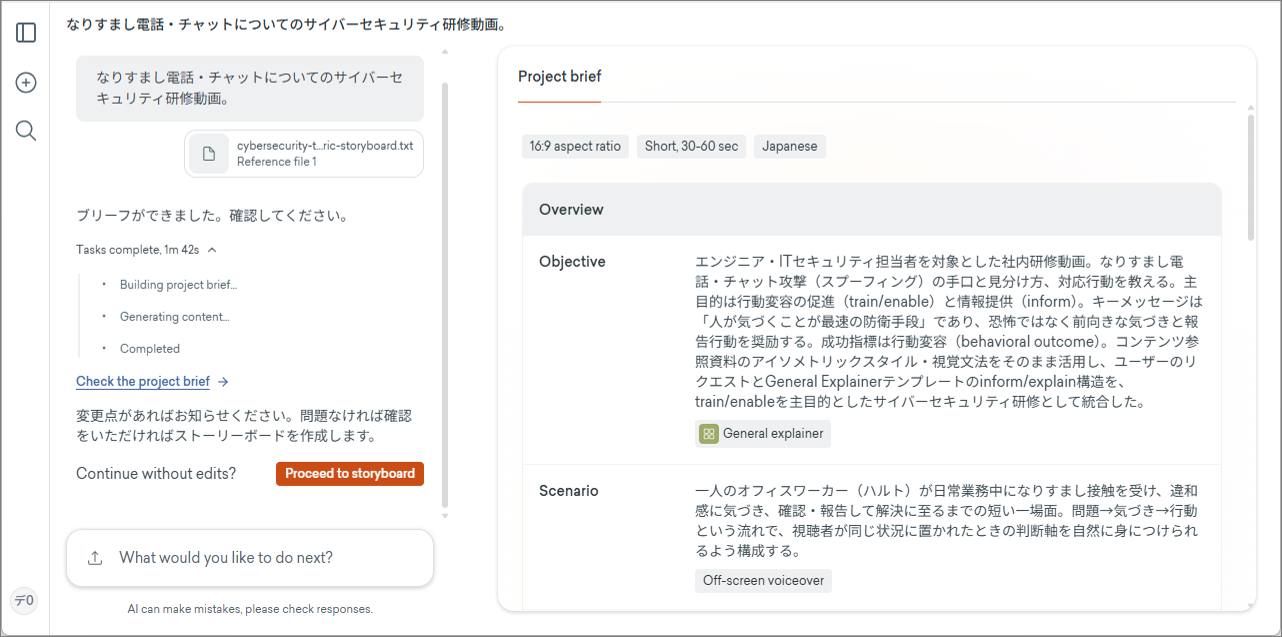
Check the scenario for each scene. Here too, you can update it simply by instructing corrections.
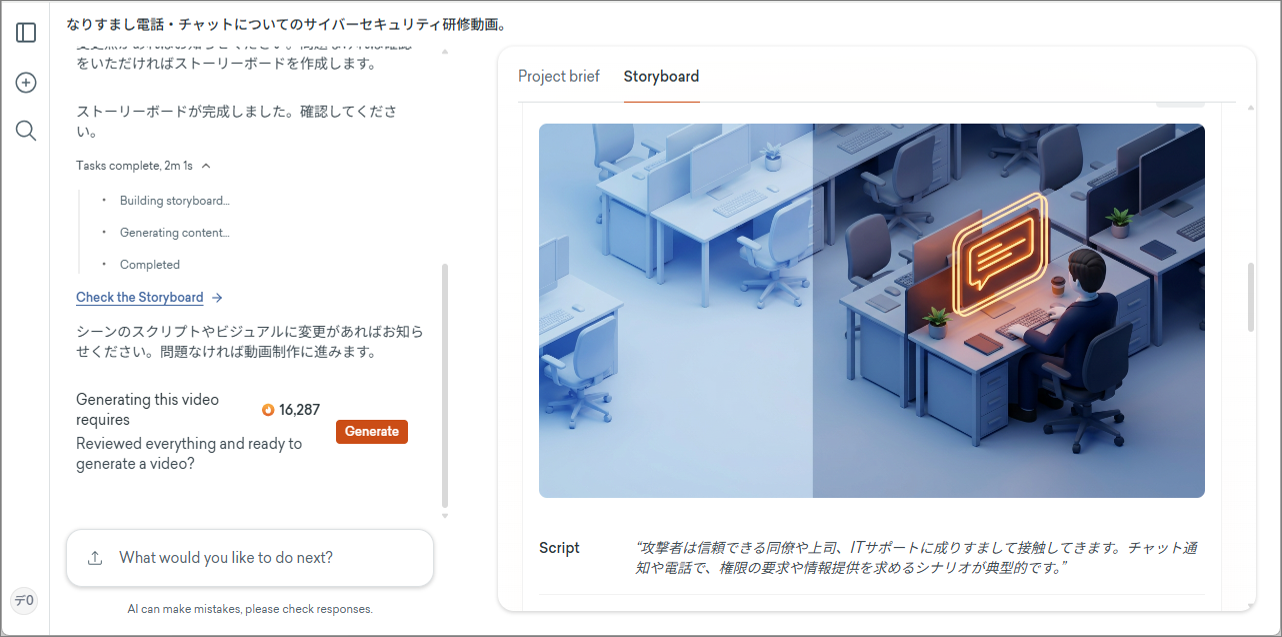
Generate once the content is finalized. A video complete with scenario, voice, and BGM will be created.
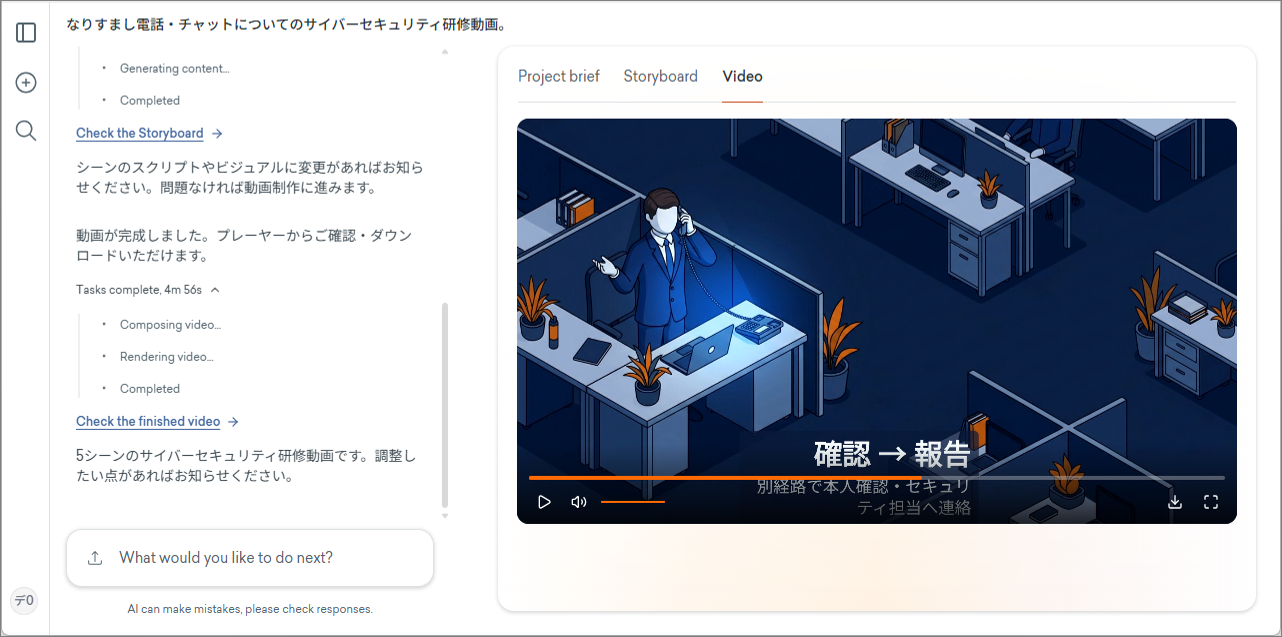
Shall we start by making a prototype?
Contact & Demo ReservationThe way you write a prompt can greatly affect the final result. Start with these three tips.
Be specific about the target, purpose, and message you want to convey.
You can also fix the visual direction with the prompt.
Saying "Make a nice video" doesn’t allow the AI to understand your intent. Clearly specify the subject and what you want to convey.
If you’re unsure, it’s also recommended to copy and use example sentences from the official style prompt collection.
Publish announcements and notifications directly as videos. They can be quickly distributed via internal portals or social media.
Incorporate videos into sales materials and proposals to add appeal that cannot be conveyed by still images alone.
Place a video at the beginning of educational content, which tends to be monotonous, to attract interest and create an entry point for taking the course.
Please feel free to contact us regarding demos and trials that introduce your contracted plan, pricing, and operations.
We will create a prototype video using your company's materials
Contact & Demo ReservationTurbo is Vyond's agent-type AI video creation platform. Even those who have never created a video can simply input ideas, expertise, and existing information to transform them into high-quality videos.
Yes. You may use it for commercial purposes. Please check the Terms of Service for details.
Yes. It can be added to your existing subscription. Please contact us via the inquiry form.
In addition to correction instructions via chat, video editing after generation is also possible. Details will be provided in the demo.
From inputting prompts and materials to generation, it takes as little as 30 minutes.
If you provide one piece of material, we will produce a prototype video with Vyond Turbo. Please feel free to inquire about demos, price estimates, and trial accounts.
Contact Us / Demo Reservation