







2026.06.17
How to Use PowerPoint × Vyond Effectively

-
Category
Recommended Articles
-
What is Vyond? Introducing the benefits of an animation video production tool that can be used for business.
-
[Animation Teaching Material Production] How to Create e-Learning Materials ②
-
How does Vyond differ from other animation production software? Comparison and recommendations
-
Can Vyond animations be used as teaching materials? Here are the benefits of using them in e-learning and training.
-
Let's create business animations with Vyond! An explanation of the reasons and benefits recommended for business, as well as challenges.
-
Vyond Go (AI Video Generation) Tips and Best Practices ① Vyond Go Setup Guidelines
-
Moodle Basic Course: What is Moodle?
-
[Moodle Basic Course] What can the e-learning management system Moodle do?
-
[Moodle Basic Course] What can be done with Moodle's default features
-
Benefits and Considerations of Moodle Cloud Services
-
Moodle is not only used by universities (widespread use)



Vyond is a cloud-based service that allows you to create animated videos without specialized video editing skills. Characters, backgrounds, movements (actions), and audio are pre-prepared, and you can create videos by selecting and arranging these elements. The operation is intuitive and can be handled with a feel similar to PowerPoint. This article introduces the similarities between Vyond and PowerPoint, as well as how to integrate them.
1. Similarities Between Vyond's Usability and PowerPoint
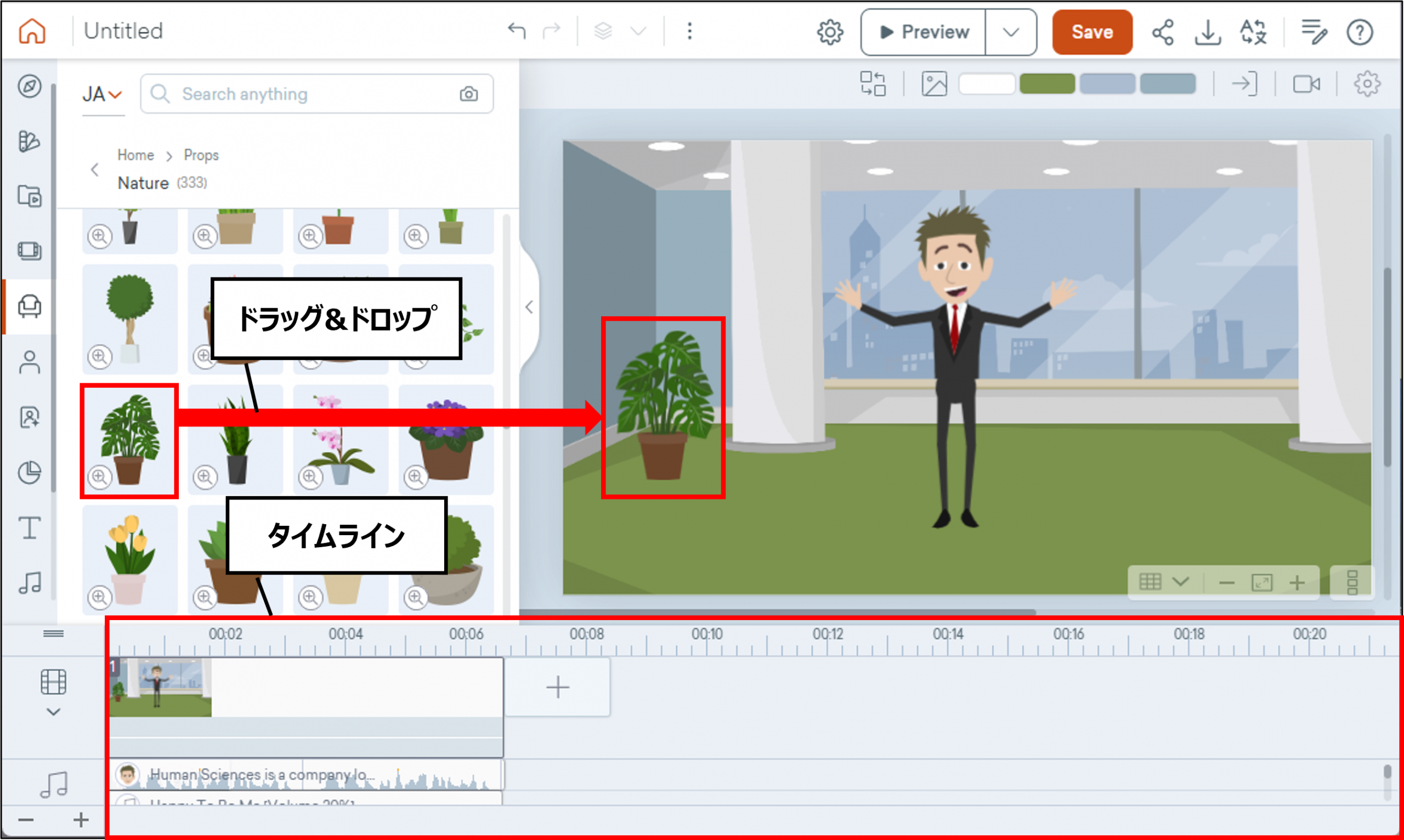
Vyond is sometimes described as having usability similar to PowerPoint. This is because it allows very easy video editing and animation creation. In practice, you can select and place objects from the menu, and the placed objects can be easily edited through drag operations and the like.
However, since Vyond has unique features and a distinct user experience, including the presence of a timeline, being able to use PowerPoint does not mean you can master it without any learning.
2. What Vyond Can Do
Vyond is a service specialized in animation and video production. It offers features that PowerPoint does not have, so by using it alongside PowerPoint or integrating it with PowerPoint, you can create more effective materials and presentations.
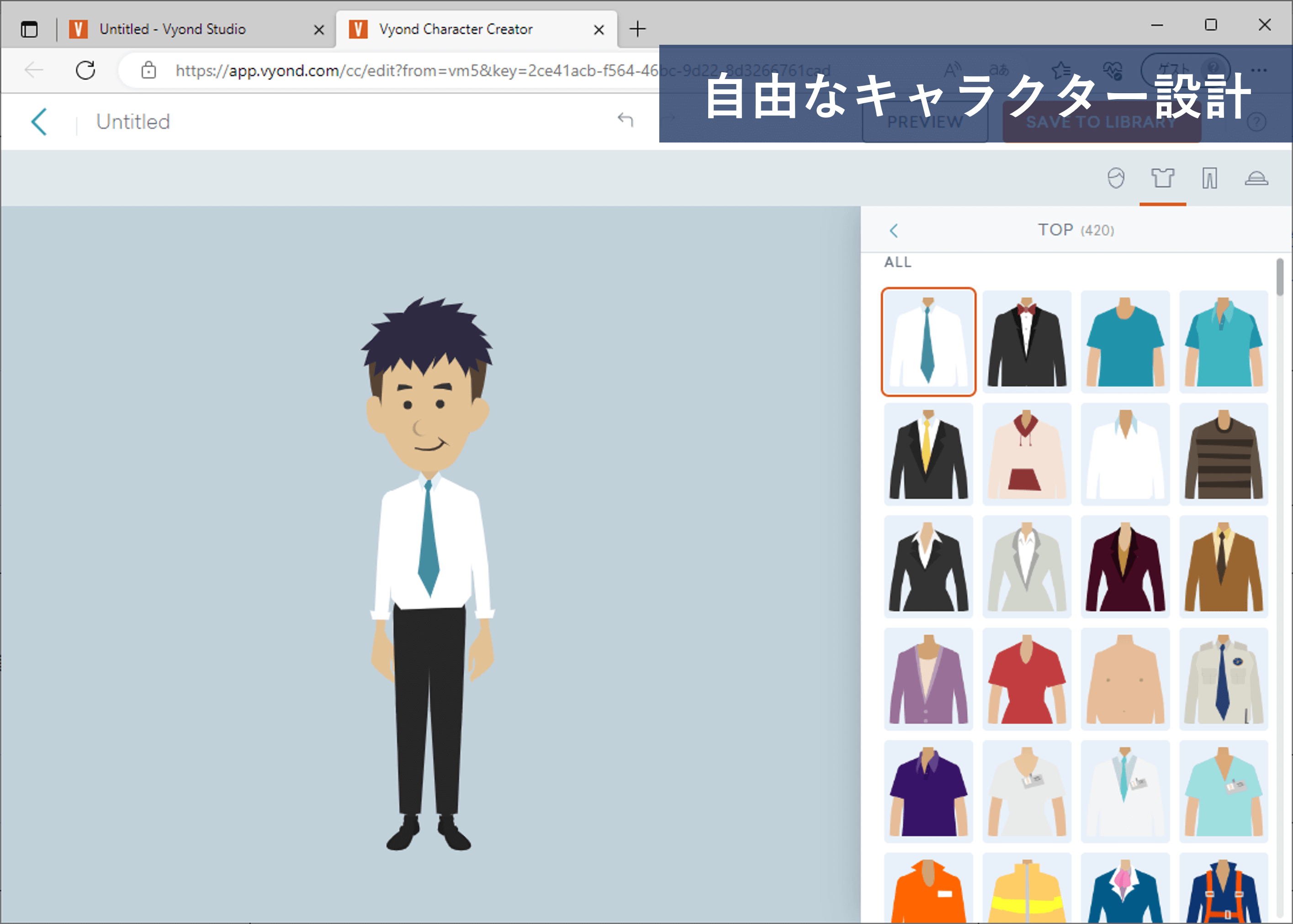
■Character Design
There is a feature to design original characters, allowing you to enrich the expression of your content. Various costumes are available, ranging from children to doctors and workers.
■Character Animation
You can set various movements for the characters you create (or template characters).
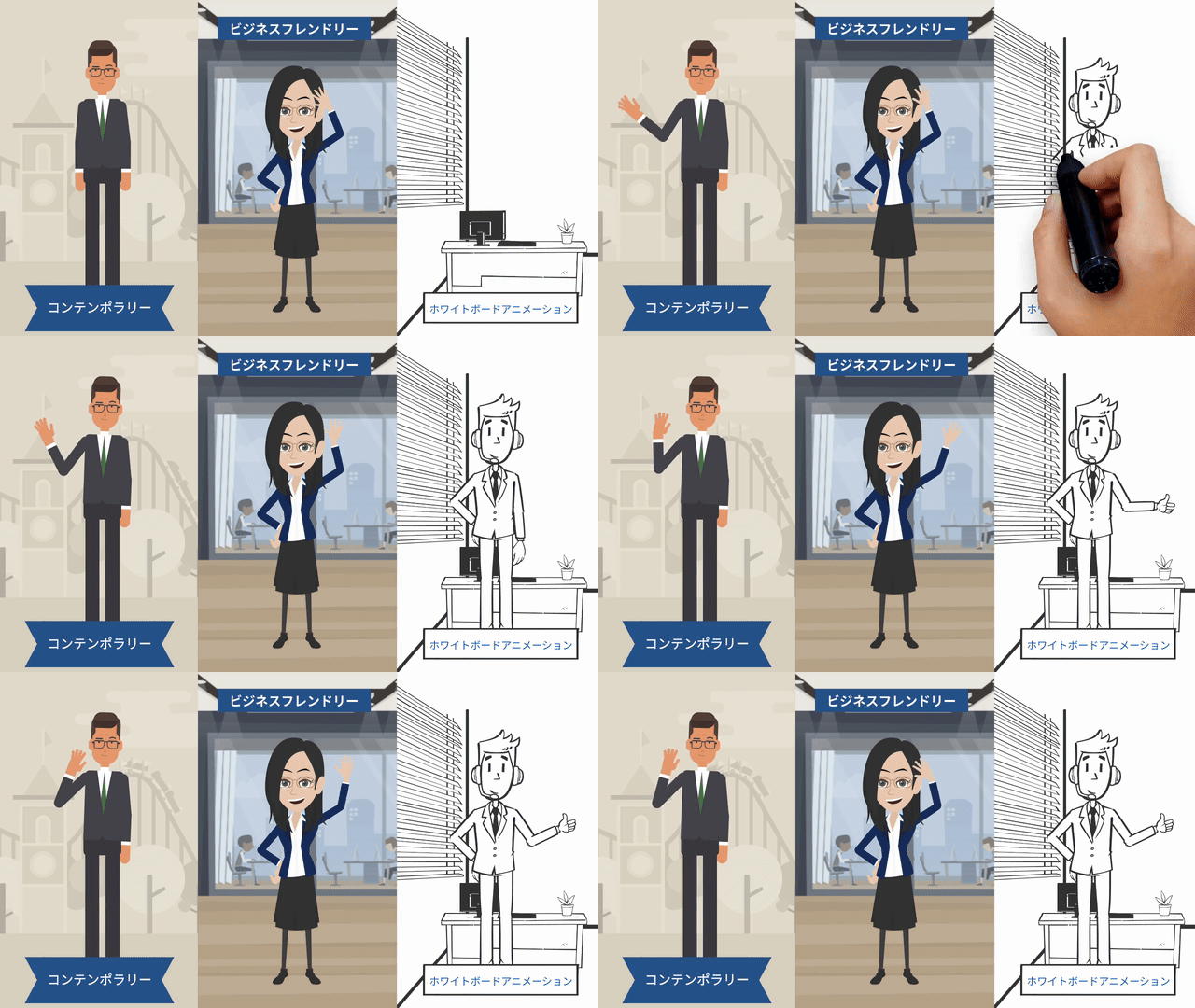
■AI Avatar
You can make not only animated characters speak but also live-action style avatars, and generate your own avatar.
■Synthetic Voice
You can make characters and avatars speak.
Additionally, various scene templates, animated objects, and AI for video and image generation are also implemented.
3. Integration between Vyond and PowerPoint
■ Integration ① Importing from PowerPoint to Vyond
Vyond has a feature to import PowerPoint slides. You can create a rough layout in PowerPoint and then add or edit characters and animations there, which can help streamline your workflow.
However, as of April 2026, this feature is available as a beta version, and while it can import text, images, videos, and audio, there are the following points to note.
- ・Information set in the PowerPoint slide master will not be imported
- ・Objects that cannot be reproduced will be deleted
- ・Font styles (such as size) will be reset
How to use
The most practical method to import PowerPoint into Vyond is to save PowerPoint slides as images or videos and then import them into Vyond.
■ Integration ② Importing from Vyond to PowerPoint
Videos and animations created with Vyond can be downloaded in the following formats. All of these can be directly imported into PowerPoint via drag & drop, allowing you to further enhance the quality of your PowerPoint materials.
■Video Formats (MP4・Webm)
MP4 is a common video format. It has a lightweight file size and is easy to use for both short and long durations.
Webm is a new video format that supports features such as transparent backgrounds. *Note: Transparent backgrounds are not rendered in PowerPoint.
■GIF Animation Format (GIF)
This is an image format that moves like a video. It is an old technology with high versatility and can be used in various environments such as PowerPoint and websites.
Since the file size tends to be large, it is suitable for short videos of a few seconds.
■Still Image Format (PNG)
You can generate one still image per scene in Vyond.
You can paste them directly into PowerPoint or edit and use them as needed.
■Slide Format (PPTX)
This function extracts images of each scene in Vyond along with playback times and other details.
This is not intended for publishing content, but mainly serves as a feature for reviewing videos and animations. However, depending on how it is used, the generated scene images can also be utilized for publication purposes.
4. Specific Use Case Examples
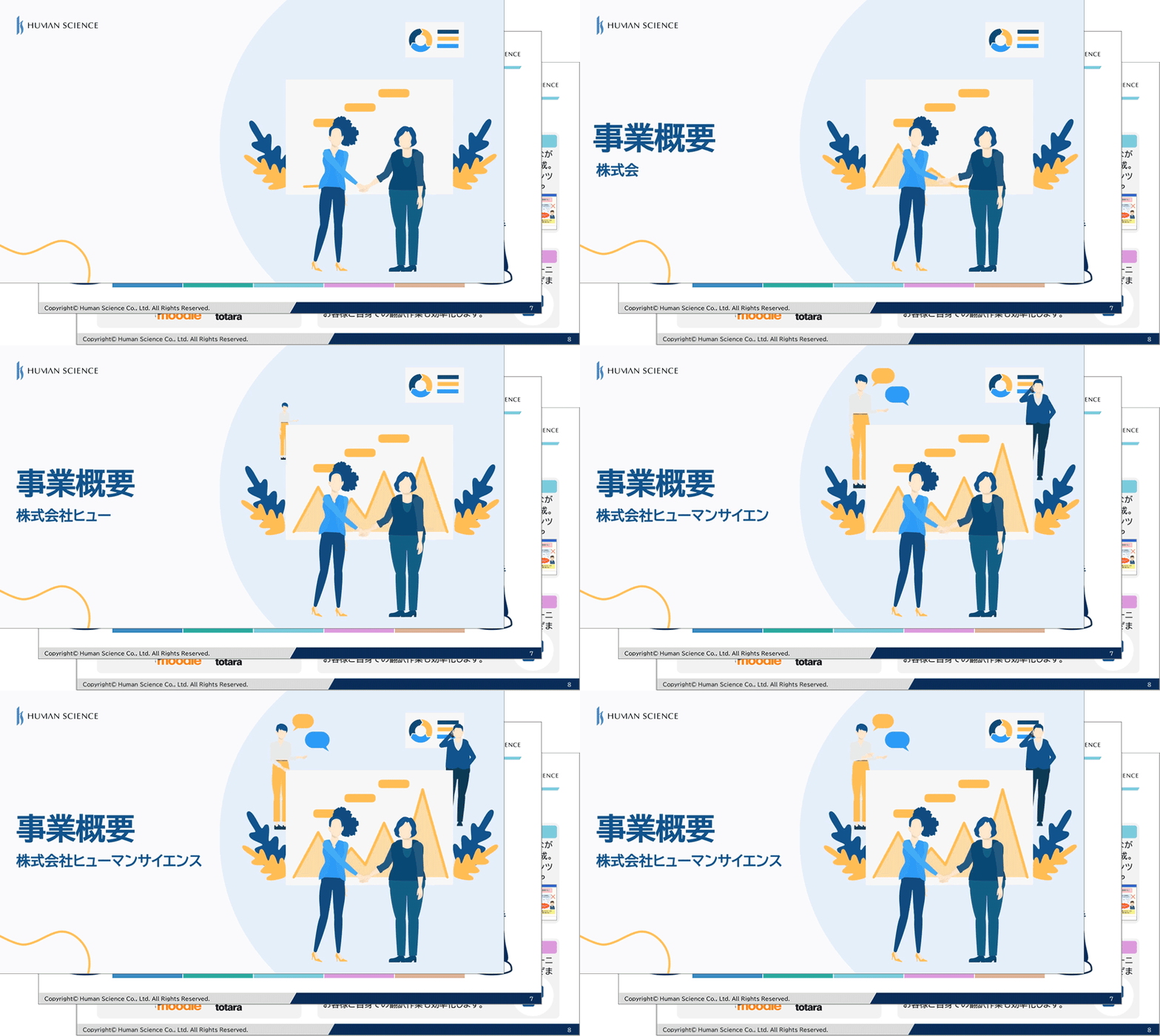
e-Learning
Many e-learning contents are created based on PowerPoint. For example, by embedding Vyond animations in the introduction, you can make the content more relatable and engage learners. Additionally, you can create case studies as animations to let learners experience them as familiar situations.

Sales & Presentations
You can supplement information that cannot be conveyed by text alone using video and audio. By also utilizing GIF animations, you can add movement to your usual PowerPoint materials.
Marketing
Files such as videos and GIF animations created with Vyond can be used not only in PowerPoint but also as web content. They can be embedded as part of a website or published as marketing videos on platforms like YouTube.
5. Summary
Vyond and PowerPoint are both excellent tools on their own, but combining them greatly enhances expressive power and communication effectiveness. Please refer to the integration methods introduced here and try putting into practice the combined use of Vyond and PowerPoint.
Human Science has a wealth of experience not only in live-action video production but also in animation video production. We also offer animation video production outsourcing services using Vyond, and in 2023, we became a certified reseller of Vyond. Here, we introduce the benefits of implementing Vyond through Human Science.
■Comprehensive Support
Of course, we provide support for procedures before and after purchase, offer training courses, assist with communication with Vyond providers (in English), and can support everything from proposing to producing educational content based on your requests.
■Extensive Experience in e-Learning Production
We have many achievements in effective animation production outsourcing that leverages our know-how, not limited to Vyond.
The enhancement of educational content using animated videos is expected to increase in necessity in the future. In proportion to this, it is anticipated that various animation video production tools will emerge and their functionalities will also improve. The use of AI will also advance. In such a situation, Vyond is likely to be utilized even more around the world as the optimal tool for creating animated teaching materials. To enable more companies to take advantage of this useful tool, Human Science is offering a 2-week free trial. Please feel free to contact us.
In addition, Human Science offers a variety of services related to educational content, from in-house support for educational content to outsourcing the production of animated videos and teaching materials. We would be happy to discuss your needs. We can produce using Vyond, as well as accommodate various other tools.
In addition, Human Science has a wealth of experience in creating manuals for various products and services. This includes the production of promotional videos and user training content that accompany the manuals. Thus, we can provide one-stop solutions from the proposal and creation of manuals and training texts to the proposal and creation of educational content. Please feel free to contact us.
Related Services Useful for Vyond Beginners
Vyond License Sales
At Human Science, we offer the following support services to help even first-time Vyond users start video production smoothly.
Human Science Corporation is an official agent and handles contracts for various Vyond plans.

Vyond Usage Guide
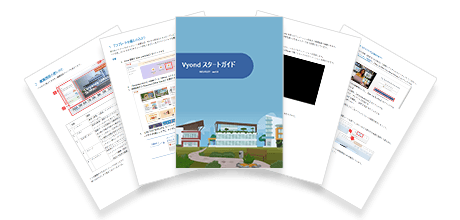
This is a downloadable resource introducing how to use Vyond. It allows you to experience creating an animation from start to finish using the Template Library. Even if you are new to video editing, you can master the basic usage.
Vyond Certified Reseller Human Science
The animation tool Vyond was created by a video production tool development company based in Silicon Valley, USA. In May 2018, they renewed their online animation creation web service and released the "Vyond Platform."
Human Science has a proven track record of video production using Vyond and became a certified reseller in 2023.