








2023.10.10
2025.12.18
What is an Open Source LMS? Advantages and Disadvantages, Introducing the Latest Open Source LMS

-
Category
Recommended Articles
-
[Moodle Manual ③] 2025 Edition | Support Staff Explain How to Set Up and Utilize Forums!
-
[Moodle Manual ②] 2025 Edition|How to Create Quizzes, Setup Procedures, and FAQ Explained by Support Staff!
-
[Moodle Manual ①] 2025 Edition|How to Set Assignments & Tips for Use Explained by Support Staff!
-
What is Vyond? Introducing the benefits of an animation video production tool that can be used for business.
-
[Animation Teaching Material Production] How to Create e-Learning Materials ②
-
How does Vyond differ from other animation production software? Comparison and recommendations
-
Can Vyond animations be used as teaching materials? Here are the benefits of using them in e-learning and training.
-
Let's create business animations with Vyond! An explanation of the reasons and benefits recommended for business, as well as challenges.
-
Vyond Go (AI Video Generation) Tips and Best Practices ① Vyond Go Setup Guidelines
-
Moodle Basic Course: What is Moodle?
-
[Moodle Basic Course] What can the e-learning management system Moodle do?
-
[Moodle Basic Course] What can be done with Moodle's default features
-
Benefits and Considerations of Moodle Cloud Services
-
Moodle is not only used by universities (widespread use)



Have you ever heard the term "LMS (Learning Management System)"? It refers to systems used for delivering materials and managing learning progress in online learning, employee training, school education, and more. Among these, the "open-source LMS," which is free to use and freely customizable, has been attracting attention in recent years.
The great appeal of open-source LMS is that companies and educational institutions can flexibly build learning environments tailored to their own needs. On the other hand, many people may feel uneasy, wondering, "It seems difficult to implement," or "Can I get support?"
This blog clearly explains everything from the basics of open-source LMS, its advantages and disadvantages, comparisons of representative systems, to how to choose one without making mistakes during implementation.
Table of Contents
1. What is an Open Source LMS?
2. Advantages and Disadvantages of Open Source LMS
3. [Latest Edition] Thorough Comparison of Representative Open Source LMS
3-1. Moodle
3-2. Canvas LMS
3-3. Totara
3-4. Chamilo LMS
3-5. OpenOlat
3-6. Open edX
3-7. Open LMS
4. How to Choose an Open Source LMS Without Failing!
5. How to Overcome Moodle’s Disadvantages as an Open Source LMS
5-1. Reduce the Burden of Server Setup and Operation
5-2. Improve Design and UI to Enhance Usability
5-3. Enhance Functionality with Plugins
5-4. Supplement the Support System
6. Summary

1. What is an Open Source LMS?
LMS (Learning Management System) is a system for delivering learning materials online and managing learning progress.
Among them, an "Open Source LMS" refers to a type of LMS whose source code is publicly available, allowing anyone to freely use, modify, and redistribute it.
●What is Open Source Software
Open source software has its source code (the blueprint of the program) publicly available, allowing anyone to freely view, improve, and redistribute it. This enables developers and users to collaborate in enhancing the software’s quality and adding new features.
Because the software is highly transparent, it also leads to improvements in security and reliability.
●Differences from SaaS-type LMS
On the other hand, a "SaaS-type (Software as a Service)" LMS is a service provided on the cloud. Users access it via the internet and do not need to build or maintain servers. However, there are limitations on customizing functions, and it is difficult to extend beyond the scope provided by the vendor.
Open source LMSs have strengths in "flexibility and customizability," while SaaS LMSs excel in "ease of use and maintainability."
2. Advantages and Disadvantages of Open Source LMS
●Benefits
Cost advantage due to no license fees
Open source LMSs generally do not require license fees. They can be used for free. Most allow you to download the latest application for free from the official website and install it while referring to the provided documentation. Being free does not mean that open source platforms are inferior in quality compared to other types. They come equipped with all the necessary features.
On the other hand, SaaS-based LMS requires a license fee. For example, if the license fee is 100 yen per person per month, the cost for 1,000 users for one year would be 1.2 million yen.
Can leverage a large and active community
Many open-source LMS platforms have large and active communities of developers and contributors who continuously work on improving and enhancing the software. If you have questions while using the system, you can often get answers by asking on these community sites. Anyone can collaborate to help advance the LMS. Typically, SaaS-based LMS platforms do not have such large communities.
Security Monitoring and Improvement by Developers Worldwide
Regarding security, developers continuously monitor the source code, detect bugs, and promptly fix them through established processes to reduce vulnerabilities. When security issues requiring attention arise, security alerts are posted online, and registered users receive email alerts, ensuring information is shared immediately. These measures are on par with those of SaaS-based LMS.
Customizable and Extensible to Fit Your Unique Educational System
When using a SaaS-based LMS, it is often difficult to accommodate requests such as wanting specific features or adjustments tailored to your own educational system. On the other hand, open-source LMS platforms have their source code publicly available, allowing you to develop and integrate the features you need yourself. Some LMSs offer over 2,500 free plugins—called extension modules—available from their official websites. By leveraging these, you can create an e-learning environment that perfectly matches your unique educational system.
Can be built in a dedicated environment
Since highly confidential e-learning materials are handled, there are cases where you want to create your own LMS environment and manage all data by yourselves. Open-source LMS is ideal when you want to conduct employee training using materials that are confidential outside the company. It is also possible to build an LMS in an on-premises environment within the company and not connect it to the internet. Such an environment cannot be provided with SaaS-based LMS.
●Disadvantages
Technical knowledge of servers is required
Since SaaS-based LMS providers handle all system management, users do not need to worry about server settings or updates.
On the other hand, when operating an open-source LMS on your own company server, you need to handle system installation, security settings, and updates by yourself. Without specialized knowledge, it can be difficult to manage, which can become a hurdle for implementation.
Support System Is Necessary
In SaaS-based LMS, the service provider handles troubleshooting and usage support, so you can quickly consult them when you encounter problems.
On the other hand, open-source LMSs are basically a "self-managed" model, so troubleshooting and configuration changes need to be handled internally. While you can hire external specialists, the lack of built-in standard support like that provided with SaaS-based LMSs can be considered a disadvantage.
No Comprehensive Manual
SaaS-based LMSs generally provide a "manual" that explains how to use the system. However, in the case of open-source LMSs, it is better to assume that there often isn't a consolidated "manual" available. That said, necessary operational information is posted on the website, so you can refer to that, and there are cases where the community answers questions about specific operation methods, so you can also search for information there.
3. [Latest Edition] Thorough Comparison of Representative Open Source LMS
In recent years, various open source LMSs have emerged, starting with Moodle. Here, we introduce seven representative types.
3-1. Moodle
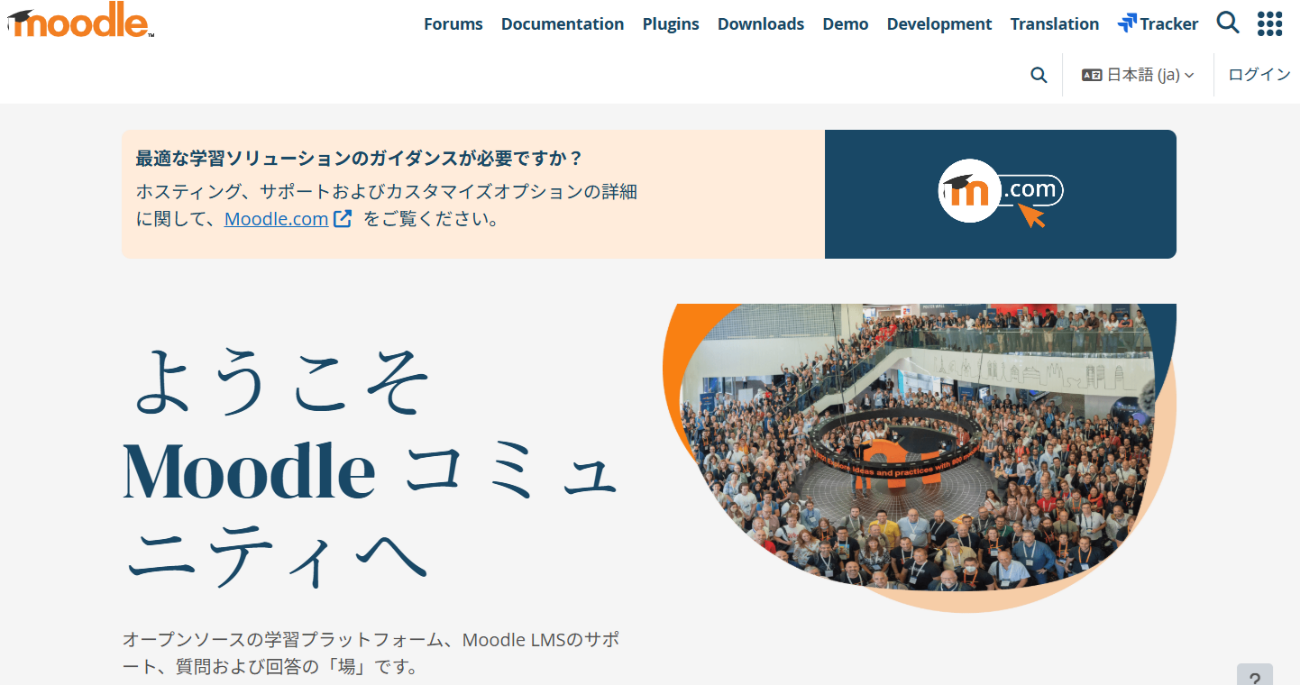
Image source: Moodle
Moodle is the most widely used open-source LMS in the world. It is used by learners in over 230 countries and regions, including universities, corporate training, and local governments, with more than 490 million users.
It adopts a modular structure, allowing you to freely extend its functions using over 2,500 types of plugins in addition to standard features such as tests, forums, assignment submissions, and attendance management.
Additionally, because the permissions for administrators, instructors, and learners can be finely configured, it can flexibly accommodate everything from class management at educational institutions to employee training in companies.
Main Features:
・Rich course management, assignment submission, and testing functions
・Highly extensible plugin architecture
・Support from one of the world’s largest educator communities
・Multilingual and mobile support
・No license fees
Recommended for:
Those who want to build a full-scale e-learning environment in schools or companies, and those who prioritize large-scale operation and customization.
3-2. Canvas LMS

Image source: Resonant Solutions Inc.
Canvas LMS is an open-source LMS developed by Instructure, Inc. in the United States, highly regarded by educational institutions such as universities and vocational schools. It features an intuitive interface and high design quality, with ease of use as its main appeal.
It is also strong in cloud-based operation, and integration with Zoom, Google Drive, and Microsoft 365 is smooth. It is optimized for smartphones and tablets, supporting mobile learning as well.
Main Features:
・Visual and intuitive UI (User Interface)
・Easy integration with external services via LTI
・Rich notification and communication functions
・Generally available as a paid service
Recommended for:
Those who want to prioritize interactive communication with learners, such as educational institutions and online schools.
https://canvas.resonantstyle.com/
3-3. Totara
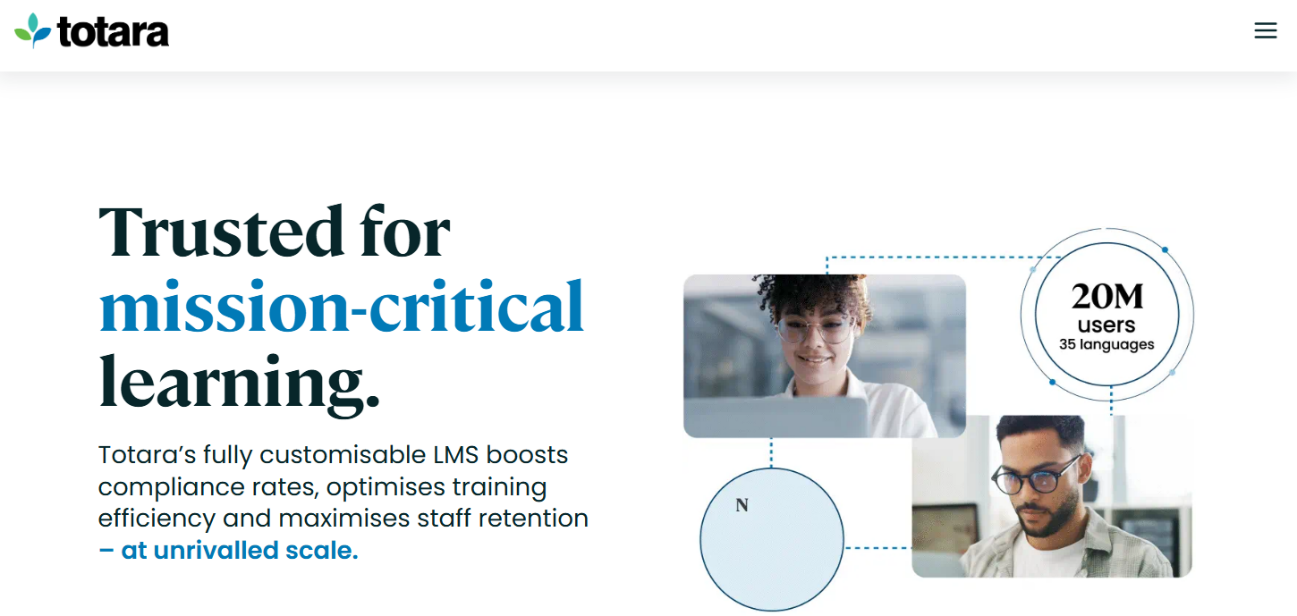
Image source: Totara
Totara is an open-source LMS equipped with a system that comprehensively supports organizational talent development, including basic learning functions as well as competency management, learning plans, performance evaluations, and career development support. Additionally, it has enhanced progress management and report creation features at the group level, making it suitable for managing large-scale talent development programs.
Main Features:
・Designed specifically for corporate talent development and training management
・Skill management by organization and job type possible
・Can be used as an LMS + human resource management system
・Available as a paid service
Recommended for:
Companies that want to centrally manage employee training, skill management, and evaluation systems.
3-4. Chamilo LMS
Image source: The Chamilo Association
Chamilo is an open-source LMS originating from Belgium, characterized by its lightweight performance and simple operability. It is widely used by small to medium-sized educational institutions, NPOs, and corporate training programs. It is easy to install, has low server load, and features a design that learners can use intuitively, which is well received. It supports SCORM (e-learning standard), ensuring high compatibility with external content and making it suitable for quick implementation.
Key Features:
・Lightweight, simple, and fast performance
・Standard features include tests, surveys, and forums
・SCORM compliant with compatibility with other LMSs
・Multilingual support and free to use
・No license fees
Recommended for:
Small to medium-sized educational institutions and organizations seeking a simple, low-cost LMS.
3-5. OpenOlat

Image source: frentix GmbH
OpenOlat is an open-source LMS from Switzerland. It can be widely used from educational institutions to corporate training, providing a flexible and highly extensible online learning environment.
Main Features:
・Centralized management of course creation, assignments, tests, and grade management
・Supports collaborative learning through chat and conference tool integration
・Swiss quality with excellent stability and security
・No license fees
Recommended for:
Those looking for a reliable open-source LMS that can be flexibly operated to meet the needs of their company or school.
3-6. Open edX
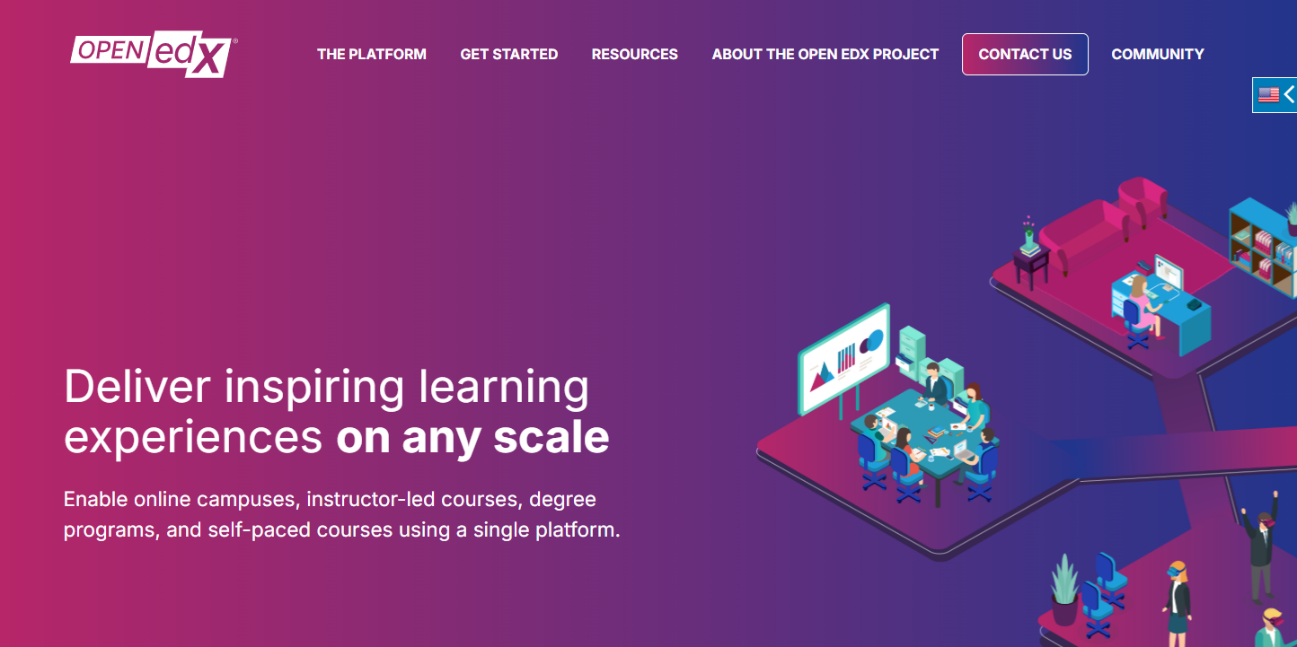
Image source: Axim Collaborative
Open edX is an open-source LMS developed by Harvard University and the Massachusetts Institute of Technology. It is used by universities and companies worldwide and is a flexible and highly scalable platform that supports large-scale online learning.
Key Features:
・High scalability to support large-scale courses
・Diverse learning content such as videos, quizzes, and discussions
・Capability to analyze learning data and manage progress
・Free customization and integration with external tools
・No license fees
Recommended for:
Educational institutions and companies that want to build and manage their own online education or training for large groups.
3-7. Open LMS
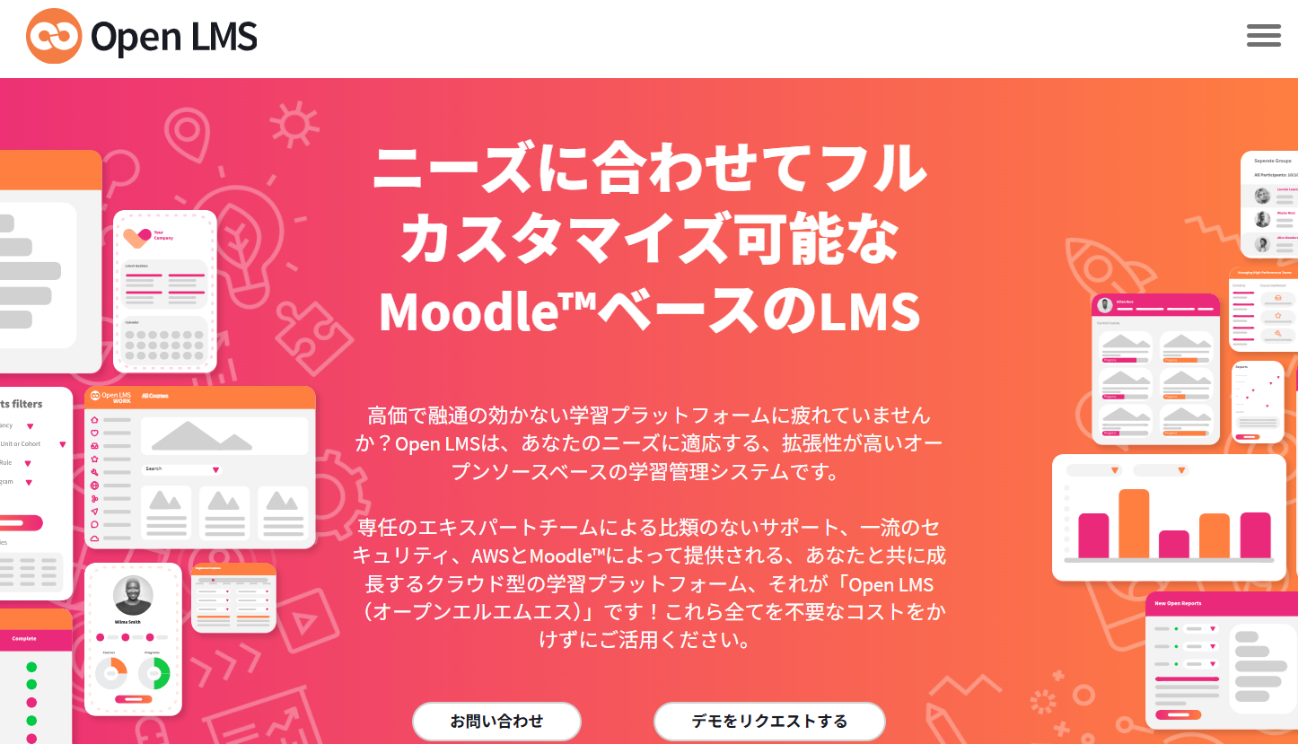
Image source: Open LMS
Open LMS is an open-source learning management system based on Moodle. It is ideal for educational institutions and corporate training, featuring flexible customization and ease of operation.
Main Features:
・Supports centralized management of multiple locations and departments
・Achieves personalized optimization through learning paths and automation
・Equipped with detailed reporting and analytics functions
・Supports e-commerce, enabling course sales
・Easy integration with mobile and external tools
・No license fees
Recommended for:
Educational institutions and companies seeking a high-functionality LMS that can manage diverse learners collectively while allowing flexible customization.
4. How to Choose an Open Source LMS Without Failing
To select the best LMS for your company or school, check the following points.
Point 1: How is the Usability and User-Friendliness?
The first important factor is whether it is easy to use for administrators and learners.
Choose an LMS with an intuitive and easy-to-understand screen design, menu structure, and course creation process. Especially when training coordinators and instructors use it daily, ease of operation greatly affects the operational burden.
Point 2: Are the necessary functions and templates available?
Check whether the LMS comes standard with the functions your company or school needs, such as course delivery, test and report submission, learner history management, and certificate issuance.
Also, choosing an LMS with a rich selection of course templates and plugins makes customization smoother after implementation.
Point 3: Is there customizability?
The strength of open-source LMSs is that they can be freely modified.
If you have requests such as wanting to match the design to your company brand or integrate with external systems, it is advisable to choose an LMS that allows easy modification of the source code and has a well-developed API. If you plan to request a development partner for extensions, be sure to check whether technical information and developer documentation are publicly available.
Point 4: Extent of Support System
Open source is basically free, but whether there is a support company that assists with implementation and operation is a key point for peace of mind.
In particular, since handling troubles, updates, and security patch management require specialized knowledge, choosing an LMS that has official partners or operation outsourcing services, such as Moodle or Open LMS, will reduce the chances of failure.
Point 5: Is there a reliable vendor handling that open-source LMS?
Although open-source LMS software itself can be used for free, specialized knowledge and support are essential for implementation and operation. Therefore, whether a reliable vendor exists is also an important selection criterion. Some vendors offer assistance with installation, customization, troubleshooting, and updates, which greatly affects the stability of operation and educational effectiveness after implementation. Especially if there are insufficient IT resources within the company, having a vendor with a well-established support system is the key to preventing failure.
When choosing an open-source LMS, it is important not to decide solely because it is free, but to compare the four aspects of usability, features, customizability, and support system in a balanced way.
By selecting an LMS that fits the operational goals of your company or organization, you can enhance learning effectiveness while using it stably and long-term.
5. How to Overcome the Disadvantages of Moodle as an Open Source LMS
While open source LMSs offer high flexibility and cost savings, there can be challenges related to server management, design, and support. However, these weaknesses can be addressed through ingenuity and the use of external services.
Here, we introduce key points for safer and more comfortable operation using Moodle, one of the open-source LMS options, as an example.
Related Links:
[Moodle Basic Course] What is Moodle?
5-1. Reducing the Burden of Server Setup and Operation
Issue:
Since Moodle is open source, it is necessary to build and operate the server environment in-house. In particular, a certain level of IT skills is required to establish security measures and backup systems.
Solution:
By using providers that specialize in hosting and operating Moodle, you can significantly reduce the burden of server management. Additionally, if you build Moodle on cloud environments such as AWS or Azure, automatic scaling and backups can be easily performed. In recent years, the "Moodle Cloud version (MoodleCloud)" has also been offered, allowing you to start operation without initial setup.
5-2. Improve Design and UI to Enhance Usability
Issue:
The standard Moodle is designed with a focus on functionality, and many users feel that its appearance is too simple. Additionally, learners may find the navigation on their side to be complicated.
Solution:
By utilizing Moodle's theme functionality and introducing highly designed themes, you can improve usability and visibility. For example, popular themes such as "Boost," "Adaptable," and "Fordson" make it easy to support smartphones and customize dashboards. Furthermore, by adjusting CSS and JavaScript, it is also possible to create designs tailored to your company's branding.
5-3. Enhance Functionality with Plugins
Issue:
The standard Moodle is multifunctional, but it can sometimes feel insufficient when more practical features are required, such as for corporate training or skill management.
Solution:
Moodle has thousands of plugins provided by developers from around the world.
For example, the following types of extensions are possible.
| Category | Plugin Examples | Function Overview |
| Course Management | Completion Progress | Time Management Tool for Students |
| Communication | BigBlueButton | Integration with Online Meetings |
| Skill Management | Competency Framework | Competency Assessment and Skill Mapping |
| Analytics and Reports | Configurable Reports | Custom Report Creation Tool |
By properly selecting and configuring plugins, you can evolve Moodle into a more advanced learning management platform.
What types of Moodle plugins are there?
5-4. Supplementing the Support System
Issue:
Since it is open source, the lack of an "official support desk" in case of trouble can be considered a disadvantage.
Solution:
There are many companies both domestically and internationally that specialize in providing Moodle implementation support and maintenance services.
By choosing a partner that offers Japanese language support, you can entrust them with everything from troubleshooting and updates to customization consultations all at once. Additionally, on Moodle.org, users from around the world post questions and answers, allowing you to find solutions through an open information-sharing community.
6. Summary
Open-source LMSs are a strong option for learning management systems, combining flexible customization and high scalability. Their major appeal lies in the ability to build an optimal online learning environment tailored to the needs of companies or educational institutions while keeping license costs low. In particular, Moodle, used worldwide, excels in reliability, functionality, and community richness, earning high praise as a representative open-source LMS.
On the other hand, there may be operational challenges such as server setup, update management, and customization support. Therefore, to ensure the long-term stable operation of an LMS, support from partners with expertise and proven experience is indispensable.
Human Science Co., Ltd. is an official Moodle partner, providing one-stop services from implementation support to design, customization, and maintenance operations. Based on a wide range of implementation achievements in educational institutions, corporate training, and local governments, we support the construction of optimal open-source LMS environments.
If you are considering "introducing an open-source LMS" or "strengthening your company's educational system using Moodle," please feel free to consult with Human Science. Our expert staff will propose the optimal LMS implementation and operation plan tailored to your challenges and objectives.
Moodle Related Information
About the Author